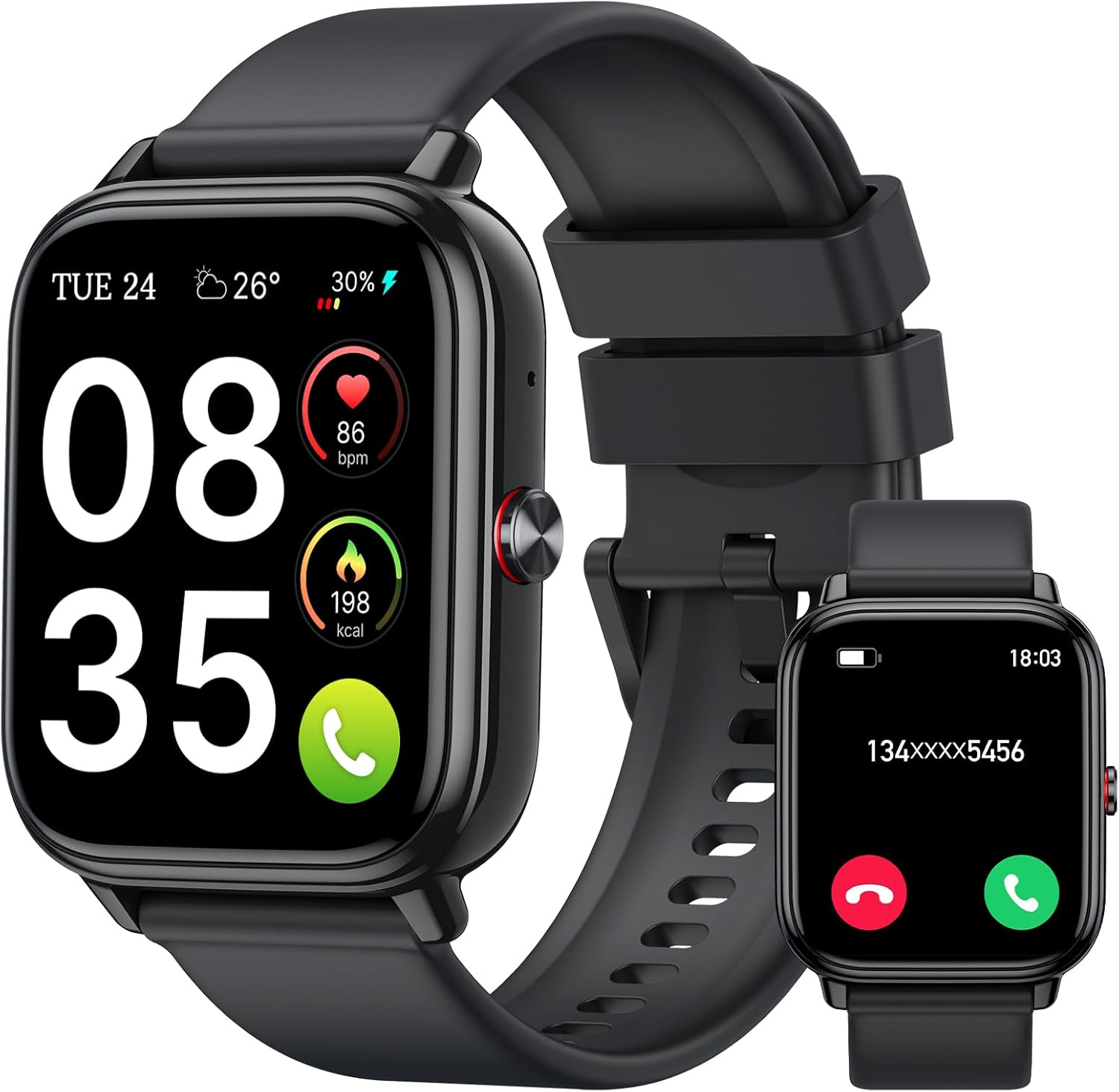
- 1.8" square colour touchscreen
- Take calls from the wrist
- Heart rate · SpO2 · sleep
A favourite photo on the watch face makes a budget watch feel like yours, and it takes about a minute in the companion app. Music control, volume and the built-in games live on the watch itself.
Sales checked September 2026Open the watch's companion app, go to its watch-face section, choose the custom or photo face, pick a picture, crop it and sync it to the watch. The music screen controls your phone's player, and games come built in: no third-party apps or games can be installed.
To change the wallpaper on a FitPro smart watch, you work in the phone app, not on the watch. The watch stores a handful of faces, and the app sends new ones over Bluetooth, including one built from your own picture. Menu names differ between FitPro, Da Fit, VeryFit and GloryFit, but the routine is the same.
The watch switches to the new face when the transfer ends. If it does not, long-press the face showing on the watch and pick the new one from the carousel, which works on most models.
Makers that spell out photo faces include the ID208 Plus, IDW25, TOOBUR IDW16, Blackview R50 Pro, STECEi T50S, Csasan T70 and aeac 1.85-inch. No custom option in your app? You may be in the wrong one; the app download and QR pairing guide sorts that out.
| App | Watches that name it | Faces as stated | Your own photo |
|---|---|---|---|
| VeryFit | IDW25, TOOBUR IDW16 | 100+ | Yes |
| Da Fit | TORJALPH TJ37, Choiknbo 1.69-inch, PJYUBVOR 1.9-inch, Blackview R50 Pro, KIPTUMTEK Y8 | 100+ to 200+ | Yes, except the TORJALPH |
| GloryFit | STECEi T50S, Qecnato S68, Csasan T70, Matast T60 | 108 to 200+ | Yes, on the STECEi, Qecnato and Csasan |
| FitCloudPro | Tiksounds 1.83-inch, SWGOTA 1.85-inch | 200+ and 300+ | Yes |
| TechWear | OICIIDO Z172 | 130+ | Yes |
| HryFine | OICIIDO 1.81-inch | Downloadable dials | Yes |
| FitPro | MOSOKI 2.01-inch | 200+ | Custom faces |
Apps and face counts as each watch's maker states them, September 2026. Menu names differ from app to app; the photo option usually sits beside the downloadable faces.
Watch faces are more than decoration: the right one puts your daily numbers in view. Most of these watches offer 100 to 300 downloadable faces, from plain digits to data-packed dials with steps, heart rate and battery on one screen.
On most models, once two or three faces sit on the watch, switching between them takes a long-press rather than a fresh sync each morning.
Pick faces with the screen in mind, because each watch has its own resolution:
| Watch | Screen | Resolution |
|---|---|---|
| TRAUSI TG08 | 1.83-inch | 240 x 284 |
| OICIIDO 1.81-inch | 1.81-inch | 240 x 286 |
| Matast T60 | 1.91-inch | 320 x 380 |
| IDW26 | 1.83-inch | 360 x 440 |
| LIGE EF13 | 1.85-inch round | 360 x 360 |
| Iaret gift set | 1.75-inch | 466 x 466 |
Sharper screens show fine photo detail; lower-resolution ones look best with bold shapes and big digits. Animated and very bright faces use more power, and on AMOLED screens a dark face saves battery because black pixels stay off. The Bestinn H32 and Fitpolo Round AMOLED add an always-on clock, which costs some battery life in exchange for the time without a wrist flick.
ID208 Plus Alexa Smart Watch |
IDW25 Alexa Smart Watch |
Blackview R50 Pro Smart Watch |
STECEi T50S Calling Smart Watch |
LIGE EF13 Military Smart Watch |
MFVLP A7 Smart Watch | |
| Type | Smart watch | Smart watch | Smart watch | Smart watch | Rugged watch | Smart watch |
| Screen | 1.8" | 1.83" | 1.85" | 1.85" | 1.85" | 1.85" |
| Display | — | — | — | — | — | AMOLED |
| Shape | Square | Square | Square | — | Round | Square |
| Bluetooth calls | Yes | Yes | Yes | Yes | Yes | Yes |
| Water | 3ATM | IP68 | IP68 | IP68 | — | IP68 |
| Battery | — | — | — | Up to 7 days | Up to 19 days | Up to 7 days |
| Tracks | Heart rate · SpO2 · sleep | Heart rate · sleep | Heart rate · SpO2 · sleep | Heart rate · sleep | Heart rate · sleep | Heart rate · stress |
| App | — | VeryFit | Da Fit | GloryFit | — | — |
| Strap it on | Strap it on | Strap it on | Strap it on | Strap it on | Strap it on |
FitPro smart watch music control works as a remote for the phone. The music screen plays, pauses and skips tracks on whatever player the phone is running, so you can change the song on a treadmill without breaking stride.
The music itself stays on the phone. None of these watches states storage for your own music files, and the audio plays through the phone or the earbuds paired with it, not the watch.
Set it up once and it runs itself:
Controls that do nothing usually mean the app has lost its background permission. Reopen it, re-allow access and try again; the pairing and reconnect steps cover a dropped link.
The STECEi T50S sets your favourite photos as wallpaper on a 1.85-inch HD screen and offers 200+ faces in GloryFit to rotate through. Bluetooth calls, IP68 and a 7-day battery round out the routine.
Strap it onFitPro smart watch volume control covers two things: the phone's media volume from the music screen, and the watch's own sound and vibration for calls and alerts. Both live in easy reach once you know where to look.
Match the settings to the routine. In a loud gym, a strong vibration beats a beep you will never hear. At night, Do Not Disturb keeps the sleep score honest by stopping late messages from waking you.
Screen brightness belongs in the same settings menu. Turn it up for outdoor runs and down for evenings; a lower level stretches the days between charges.
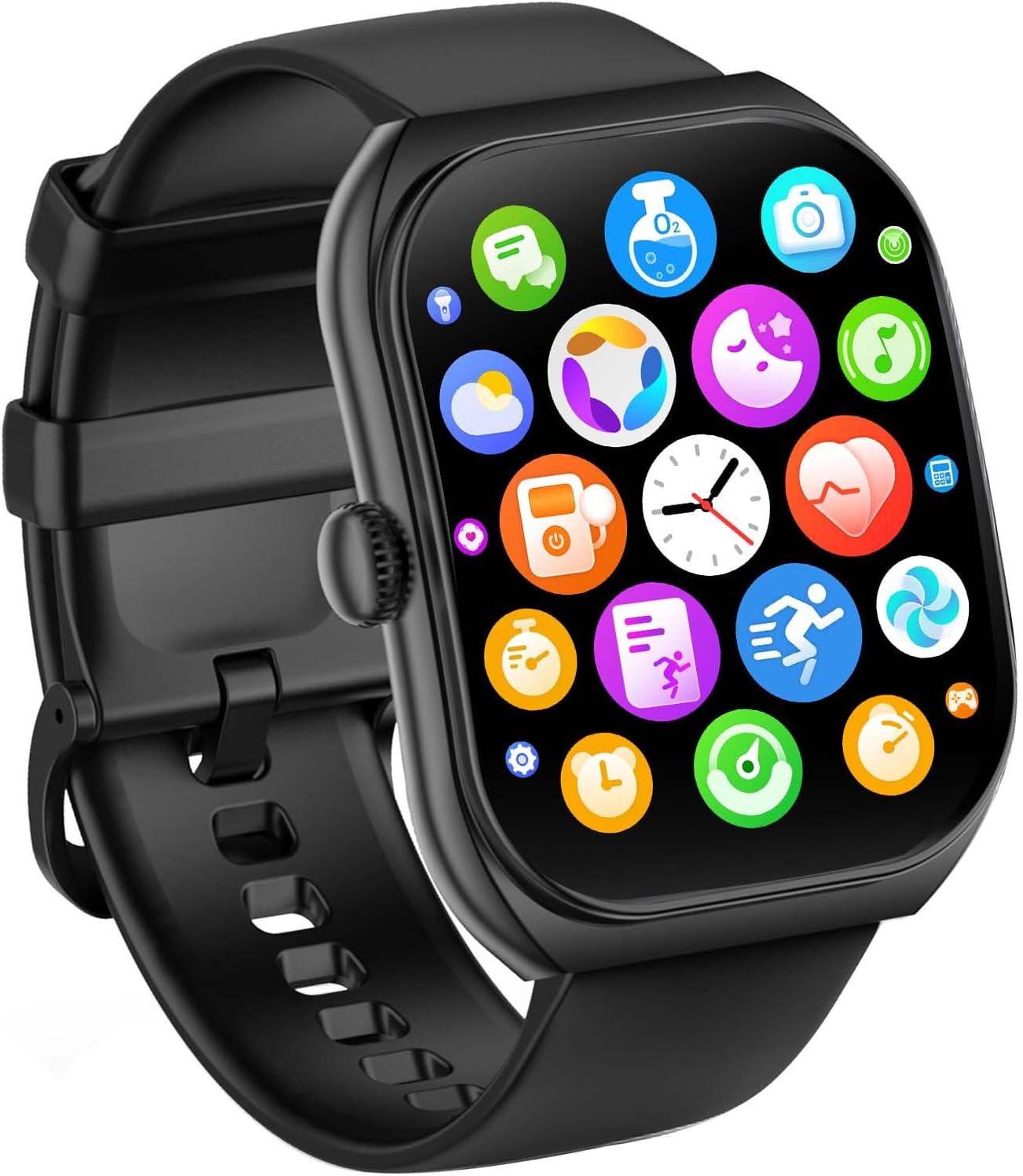
Searching how to download games on FitPro smart watch models leads nowhere, because there is nothing to download. These watches run closed firmware, listed as RTOS on the JeeJTek, Kriutefy P72 and KIPTUMTEK Y8, with no app store behind it.
What they do have is built in from the factory:
The same goes for how to download apps on FitPro smart watch models. The only things the phone app adds are watch faces, settings and firmware updates. A file sold as an APK is an Android phone app; installing it changes the phone, not the watch.
Treat the built-in games as a pause between sets, not a pastime; a few rounds on the bus cost little, while long sessions with the screen lit drain the battery faster. Firmware updates through the app can refresh the menus, so check for one after pairing.
If games and apps matter more than battery life, a watch with an app store is the better fit, as the Apple Watch comparison shows. For steps, sleep and a photo of your crew on the wrist, the built-in set is plenty.
Open the watch's companion app, go to the watch-face section, choose the custom or photo face, pick a picture, crop it and sync. Keep the phone close to the watch until the transfer finishes.
No. These watches run a closed system without an app store. Some include built-in games, such as the two mini-games on the LIGE EF13 and the casual games on the Blackview R50 Pro.
No. The phone app can add watch faces, change settings and update firmware, but third-party apps cannot be installed on the watch.
None of these watches states music storage. The music screen controls the player on your phone, and the sound plays through the phone or your earbuds.
Partly. Use the plus and minus buttons on the music screen for the phone's media volume where they appear. Call volume and alert sounds sit in the watch's sound settings or in the app.