Top watches

FitPro Smart Watch User Manual: Turn On, Buttons, Gestures and Reset

A FitPro-style watch runs on one side button, a touchscreen and a handful of swipes, and that is enough to reach every feature from step goals to sleep scores. Switch it on, learn the moves, then keep power-off and factory reset in your back pocket.

Sales checked September 2026
Quick answer

Press the side button for roughly 3 to 5 seconds to switch the watch on; if nothing happens, put it on the charger, which wakes most models. Swipe to move between screens, press the button to return to the clock, and find Power off and Reset in the watch's Settings menu.

  • First job after power-on: pair it in the companion app
  • The paper leaflet in the box is the model's own manual
  • Unbind in the app before a factory reset
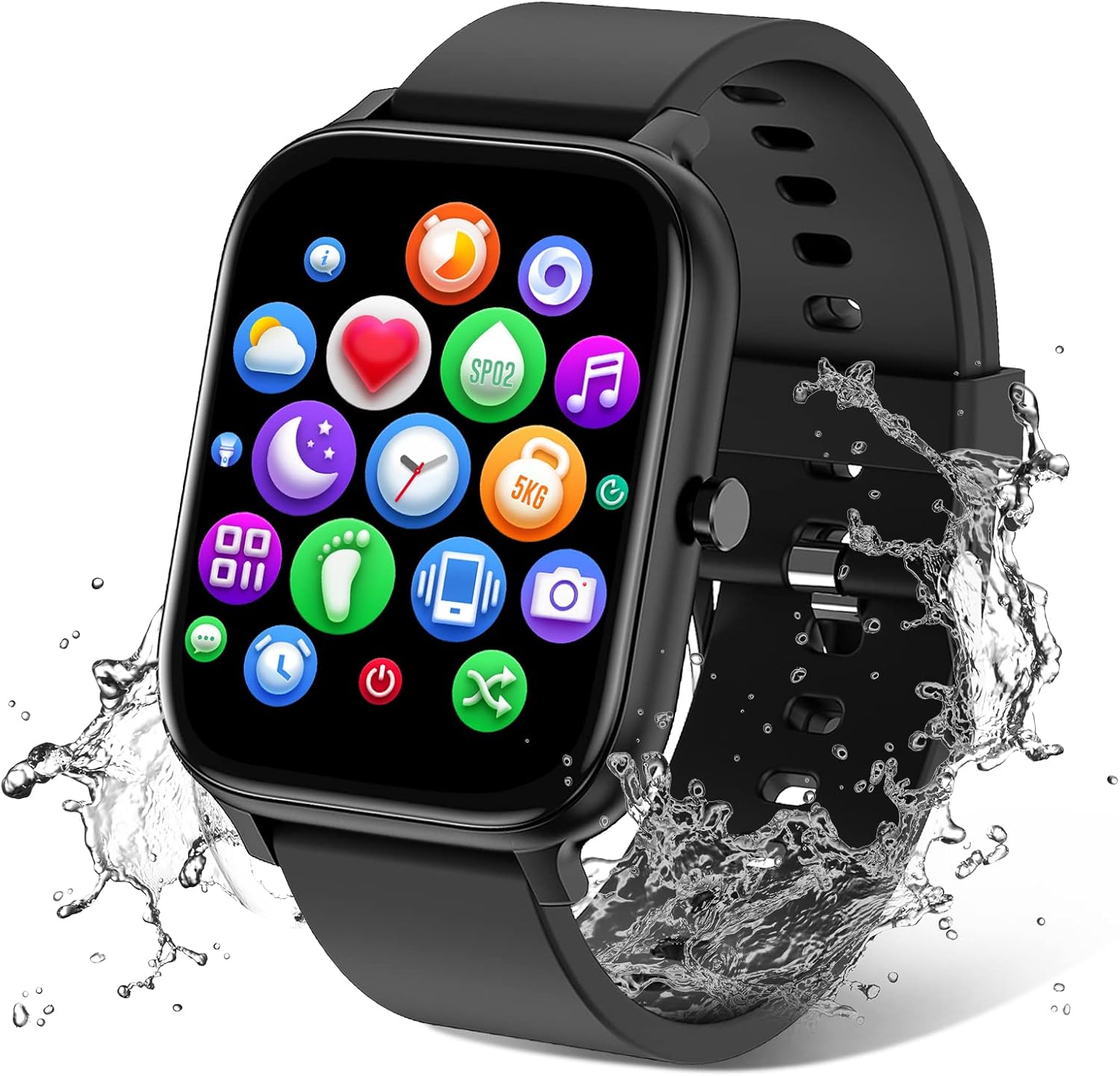
Calling watch with Alexa1 TRAUSI TG08 Calling Smart Watch
TRAUSI TG08 Calling Smart Watch
A 1.83-inch screen, 120 workout modes and calls from the wrist, all run from one button and a touchscreen.
  • 1.83" square colour touchscreen
  • Take calls from the wrist
  • Heart rate · sleep
Strap it on
Slim band, simple menus2 Bestinn H32 Fitness Tracker
Bestinn H32 Fitness Tracker
Full touch plus a side button and an always-on clock on a 1.58-inch screen.
  • 1.58" colour touchscreen
  • Heart rate · SpO2 · sleep
  • IP68 water resistance
Strap it on
Starter without calls3 TORJALPH TJ37 Smart Watch
TORJALPH TJ37 Smart Watch
IP68, with alarm, stopwatch, timer and weather in a short menu list.
  • 1.69" square colour touchscreen
  • Heart rate · SpO2 · sleep
  • Up to 7 days per charge
Strap it on

Switch it on: hold the button or wake it on the charger

Every watch in this family has one side button, and holding it for about 3 to 5 seconds brings up the start logo. A brand-new watch often arrives with little charge, so if the screen stays dark, the charger comes first.

How to turn on FitPro smart watch models straight from the box

  1. Press and hold the side button; release once the screen lights up.
  2. No logo? Snap the magnetic cable on and plug it into a USB port.
  3. Wait for the charging icon; many watches switch on by themselves once power arrives.
  4. Charge to full on day one so the first week of tracking is not cut short.
  5. Pick the language if asked, then pair it in the app before changing anything else.

Pairing early matters because the app sets the time, date, units and your profile. Steps, calories and distance all lean on height and weight, so enter them honestly.

Peel the clear film off the screen and off the sensor on the back. A film over the heart-rate sensor makes readings jumpy from the first day.

Wear the watch about one finger above your wrist bone, firm but comfortable. The optical sensor needs steady skin contact, and a loose strap is a common reason for gaps in overnight heart rate.

The pairing routine for iPhone and Android takes over from here. Come back once the watch shows the right time and your step goal.

Stats sheet

The controls and what they do

MoveWhat it does on most modelsTip
Hold the side button 3 to 5 sPower onNo response? Charge first
Short press of the side buttonWake the screen, or back to the clockWorks from any menu
Swipe down from the clockQuick panel: brightness, do not disturb, find phoneOrder varies by model
Swipe up from the clockNotification listClear it after reading
Swipe left or rightHealth cards or the app menuSteps, heart rate, sleep
Long-press the clock faceWatch-face pickerMore faces come from the app
Raise the wristWakes the screen if enabledTurn off to save battery

Typical behaviour of FitPro-style firmware. Swipe directions and menu names differ between models, so the leaflet in the box is the final word for yours.

Master the four swipes and the side button

The touchscreen does most of the work, and four moves from the clock face reach nearly every screen. Learn them once and the watch becomes a quick glance between sets rather than a puzzle.

  • Swipe down: the quick panel, usually brightness, do not disturb, find phone and settings.
  • Swipe up: recent notifications from texts and apps.
  • Swipe left or right: health cards such as steps, heart rate and sleep, or the full app menu.
  • Long-press the clock: the watch-face picker.

The side button is your way home. A short press from any menu returns to the clock, and a press on a dark screen wakes it. On Alexa models such as the IDW26, holding the button starts a voice request.

Direction varies by maker: on some models the menu opens with a swipe right, on others with a press. Try each direction in the first five minutes and the layout sticks.

Turn on raise-to-wake only if you check the time often. It lights the screen on every wrist turn, including in bed, which costs battery and can disturb sleep.

Once the gestures feel natural, set a daily step goal in the app and let the watch buzz when you hit it. A small win each afternoon builds the streak, and the custom face and music controls make the clock screen your own.

Head to head

Five everyday watches, control by control

TRAUSI TG08 Calling Smart Watch TRAUSI TG08 Calling Smart Watch Bestinn H32 Fitness Tracker Bestinn H32 Fitness Tracker TORJALPH TJ37 Smart Watch TORJALPH TJ37 Smart Watch DIVOAZBVO TK29 Calling Smart Watch DIVOAZBVO TK29 Calling Smart Watch Bakoor 1.1-inch AMOLED Fitness Tracker Bakoor 1.1-inch AMOLED Fitness Tracker
TypeSmart watchFitness trackerSmart watchSmart watchFitness tracker
Screen1.83"1.58"1.69"1.83"1.1"
Display————AMOLED
ShapeSquare—SquareSquare—
Bluetooth callsYes——Yes—
WaterIP67IP68IP68IP67IP68
BatteryUp to 7 days—Up to 7 daysUp to 7 daysUp to 7 days
TracksHeart rate · sleepHeart rate · SpO2 · sleepHeart rate · SpO2 · sleepHeart rate · sleepHeart rate · sleep
App——Da Fit—Keep Health
Strap it on Strap it on Strap it on Strap it on Strap it on
Spec sheet

Full specs of the podium three

TRAUSI TG08 Calling Smart Watch
Model
TRAUSI TG08
Display
1.83-inch IPS colour touchscreen
Resolution
240 × 284
Case shape
Rectangular
Case material
Plastic
Calls
Bluetooth calling: make and answer from the wrist
Voice assistant
Alexa built-in
Sports modes
120, including walking, running and cycling
Health tracking
Heart rate, sleep, female cycle
Step counting
Starts recording after 20 steps
Notifications
Calls, texts and apps such as WhatsApp and Facebook; 15 languages
Tools
Music and camera control, alarm, stopwatch, calculator, weather, find phone, sedentary reminder
Coach's notes →Strap it on
Bestinn H32 Fitness Tracker
Model
Bestinn H32
Display
1.58-inch colour touchscreen, always-on clock
Controls
Full touch plus a side button
Watch faces
250+, plus customisable dials
Sensors
Heart rate, SpO2, accelerometer, gyroscope, skin temperature, ambient light
Health tracking
24/7 heart rate, blood oxygen, blood pressure, sleep stages
Sports modes
120+
Activity
Steps, distance, calories
Notifications
Incoming calls and messages
Tools
Breath training, water and sedentary reminders, period reminder, weather, music and camera control, timer, stopwatch, alarm, find phone
GPS
Connected GPS through the phone
Water resistance
IP68
Coach's notes →Strap it on
TORJALPH TJ37 Smart Watch
Model
TORJALPH TJ37
Display
1.83-inch full-touch colour LCD
Resolution
240 × 284
Case shape
Rectangular
Companion app
Da Fit
Watch faces
200+ in Da Fit
Health tracking
Heart rate, blood oxygen, blood pressure, sleep
Sports modes
12, incl. walking, running, cycling, swimming, badminton, basketball, football, rope skipping
Notifications
Calls (view and hang up), texts, WhatsApp, Facebook, Twitter, Messenger
Tools
Sedentary reminder, alarm, stopwatch, timer, weather, music control, remote camera
Water resistance
IP68, 1.5 m depth rating
Battery
230mAh lithium-ion
Coach's notes →Strap it on
Coach recommends

A crown for sweaty fingers

Yoever IDW20 Alexa Smart Watch
Easiest menus to move through Yoever IDW20 Alexa Smart Watch

A rotating crown moves between screens without smudging the 1.91-inch display, and Alexa takes voice requests. Its maker rates the battery for 7 to 30 days depending on use.

Strap it on

Switch it off for storage, and keep water out

Most days the watch never needs switching off; it runs from charge to charge. Turn it off for long storage, for a gift that will sit unopened for weeks, or when a frozen screen needs a clean restart.

How to turn off FitPro smart watch models from Settings

  1. Swipe to Settings, the gear icon.
  2. Find Power off, Shutdown or a power symbol, sometimes under System or More.
  3. Confirm, and wait for the screen to go dark.

Certain models show a shutdown prompt when you keep the side button pressed. Others have no button shortcut at all, so the Settings route is the reliable one.

For storage longer than a month, charge to around half, switch off, and top up every few months. Lithium cells left full or empty for long spells lose capacity faster.

Water care in daily use

  • IP67: rain, sweat and hand washing; the KIPTUMTEK T7's maker rules out swimming and hot showers.
  • IP68: the most common rating here; some makers allow pool swimming, others keep it to splashes.
  • 3ATM and 5ATM: pool laps on models such as the ID208 Plus and the Zeacool band, though hot water and seawater stay off-limits.
No watch in this price range is made for saunas, hot tubs or diving. Heat and salt attack the seals and the charging pins.

Rinse the watch in fresh water after a chlorinated pool session and dry the back before it goes on the charger.

On the scoreboard

Water ratings across the line-up

Watches and bands grouped by the water rating their makers state, counted September 2026. Models with no stated rating are left out.

Run a factory reset before re-pairing or gifting

A factory reset wipes steps, sleep history, alarms and the pairing record off the watch and sends it back to the first-run screen. Use it when pairing fails again and again, when the watch changes hands, or when menus behave oddly.

  1. Sync first, so the app keeps your history.
  2. In the app, open the device page and choose Unbind or Remove device.
  3. Open the phone's Bluetooth settings and delete every entry for the watch, including a separate call-audio entry on calling watches.
  4. On the watch, open Settings, go into System (More on some models) and tap Restore factory settings, which some models simply call Reset.
  5. Tap to confirm; the watch restarts in its first-run state.

Skipping step 2 is the classic mistake. The app still thinks the watch belongs to the old account and may refuse to bind it again.

  • Some watches ask for confirmation twice; tick the check mark both times.
  • The clock resets too, and the next app sync sets it again.
  • Profile details such as height and weight come back from the app once it binds.
Handing the watch to a family member? Reset it, then pair it on their phone from scratch so their height, weight and step goal drive the numbers.

If the watch will not respond enough to reach Settings, the white-screen and power fixes cover what to try. For clock trouble after a reset, the time-setting steps put it right.

Warm-up questions

Asked before the first workout

How do I switch on a FitPro smart watch?

Press the side button for roughly 3 to 5 seconds until the logo appears. If the screen stays dark, charge it for half an hour; many watches arrive low on charge and switch on once placed on the charger.

How do I turn it off?

Open Settings on the watch, choose Power off or Shutdown, then confirm. Some models also show a power-off option after a long press of the button.

Is there a FitPro smart watch user manual PDF?

The paper leaflet in the box is the model's own manual, and many makers offer the same file as a download. Menus differ by model, so the leaflet beats a generic PDF.

How do I factory reset it?

Open Settings, find System (or More), then tap Restore factory settings or Reset, whichever your model shows. Before pairing again, remove the watch from your FitPro account in the app and delete it from the phone's paired devices.

Why doesn't the FitPro smart watch power button do anything?

The battery is most likely flat. Charge it for half an hour and try again; if the screen lights but ignores touches, the not-working fixes cover a frozen display.

Next habit

Keep the streak going

More on the rack

Round, square and Alexa watches