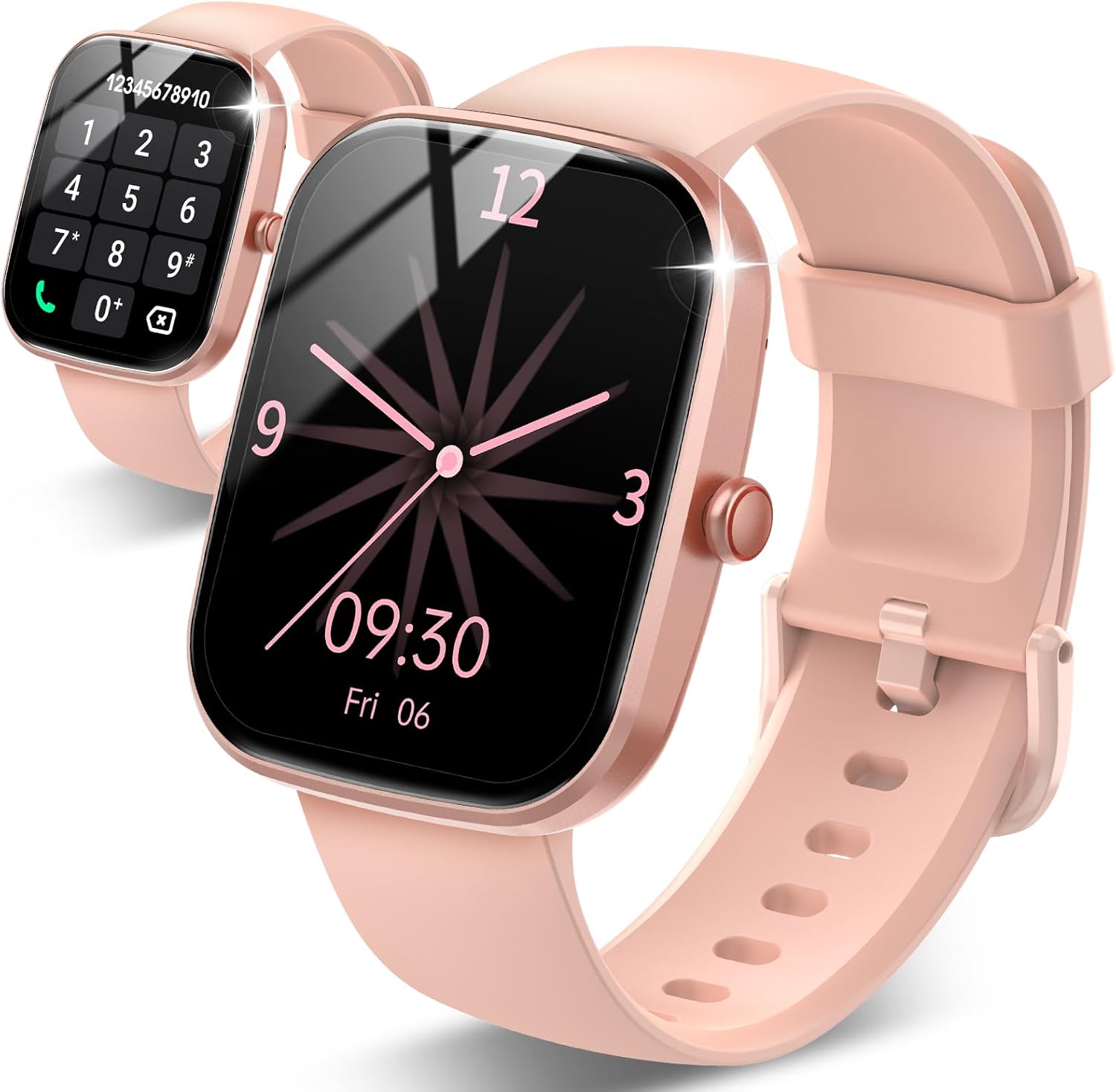
- 1.83" square colour touchscreen
- Take calls from the wrist
- Heart rate · sleep
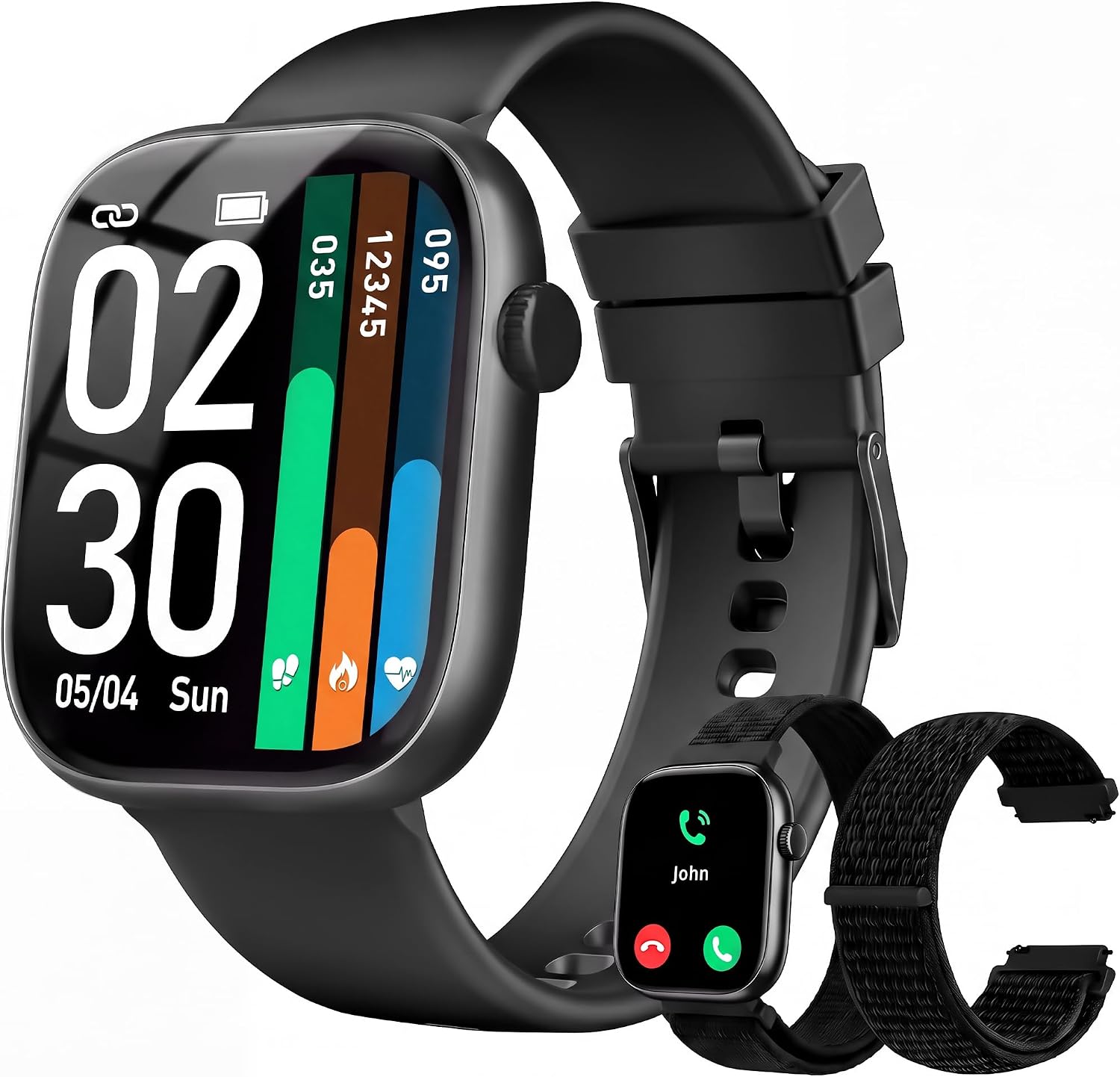
Connecting a FitPro smart watch takes three things: the right app, the right permissions, and pairing done inside the app rather than in the phone's Bluetooth list. Do it in that order and the watch stays linked through workouts, commutes and nights.
Sales checked September 2026Install the app the watch names, turn on Bluetooth (and location on Android), open the app and add the device by name or QR code, then accept the pairing prompts on the phone and watch. Calling watches add a second Bluetooth link for call audio, which you accept in the phone's Bluetooth settings.
The most common FitPro smart watch setup mistake is opening the phone's Bluetooth settings and tapping the watch name there. That grabs the link before the app can, and the app then reports that no device was found.
Follow this order on any phone:
The first sync takes about a minute. The watch picks up the phone's time, date and your profile, and the dashboard starts filling from the next walk.
Unsure which app your watch needs? The FitPro app download and QR routine explains how to tell, and why a different app cannot see the watch at all.
Hold the phone close to the watch for this first bind. A strong signal makes the handshake quicker and avoids a half-finished pairing that has to be undone later.
| Watch | iPhone | Android |
|---|---|---|
| TRAUSI TG08 | iOS 9.0+ | Android 5.0+ |
| TORJALPH TJ37 | iOS 9.0+ | Android 5.0+ |
| Bestinn H32 | iOS 8.4+ | Android 4.4+ |
| Fitpolo 1.8-inch Calling | iOS 10.0+ | Android 5.0+ |
| jevesen Round Calling | iOS 9.0+ | Android 6.0+ |
| QISUKUS Alexa Calling | iOS 9.0+ | Android 6.0+ |
| Tiksounds 1.83-inch | iOS 9.0+ | Android 7.0+ |
| FITVII HM57 | iOS 13.0+ | Android 7+ |
Minimum phone software as each maker states it. Several of these watches do not support tablets or computers.
iPhone pairing follows the same order, with two extra prompts that decide whether the watch buzzes for messages and rings for calls. Say yes to both and the wrist becomes a proper notification hub.
That second entry is what makes Bluetooth calls work on watches such as the TRAUSI TG08 or the Jacoosa TG38. One link moves app data; the other moves your voice, like a headset.
iOS 9 or newer covers most watches here; the Fitpolo 1.8-inch calling watch asks for iOS 10, and the FITVII HM57 for iOS 13.
TRAUSI TG08 Calling Smart Watch |
KIPTUMTEK T7 Calling Smart Watch |
Jacoosa TG38 Calling Smart Watch |
IDW26 Alexa Calling Smart Watch |
jevesen Round Calling Smart Watch |
FITVII HM57 Calling Fitness Tracker | |
| Type | Smart watch | Smart watch | Smart watch | Smart watch | Smart watch | Fitness tracker |
| Screen | 1.83" | 1.83" | 1.83" | 1.83" | 1.27" | 1.85" |
| Shape | Square | Square | Square | Square | Round | Square |
| Bluetooth calls | Yes | Yes | Yes | Yes | Yes | Yes |
| Water | IP67 | IP67 | IP68 | IP68 | IP68 | IP67 |
| Battery | Up to 7 days | Up to 10 days | Up to 7 days | — | — | Up to 7 days |
| Tracks | Heart rate · sleep | Heart rate · SpO2 · sleep | Heart rate · sleep | Heart rate · SpO2 · sleep | Heart rate · SpO2 · sleep | Heart rate · SpO2 · sleep |
| App | — | — | — | VeryFit | VeryFit | — |
| Strap it on | Strap it on | Strap it on | Strap it on | Strap it on | Strap it on |
Android pairs quickly, but it is just as quick to close apps in the background. Most it-worked-yesterday problems on Android come from battery management, not from the watch.
Minimum versions vary: Bestinn's H32 band runs on Android 4.4, while the Tiksounds 1.83-inch and FITVII HM57 ask for Android 7. Check the phone's version under About phone before blaming the watch.
Built-in Alexa, calls from the wrist and VeryFit sync on iOS 9.0+ or Android 6.0+. At 38 grams on a 22mm quick-release strap, it disappears on the wrist between syncs.
Strap it onA FitPro smart watch 'device disconnected' alert means the app lost its Bluetooth link to the watch. The watch keeps counting steps offline, but alerts stop and the dashboard freezes until the link returns.
| Cause | Sign | Fix |
|---|---|---|
| Phone closed the app | Drops overnight or with the screen off | Unrestricted battery, autostart on |
| Out of range | Drops while the phone sits in a locker or car | Stay within about 10 metres; it reconnects on return |
| Two watch apps | Pairs, then drops within minutes | Uninstall old or duplicate watch apps |
| Stale pairing record | Never reconnects after a phone update | Forget the watch, restart both, pair again |
| Low watch battery | Drops as the charge runs down | Charge above about 20 percent |
Work through it in a set order:
When the watch never appears in the scan, the fix is a clean slate on both sides. Unbind, forget, reset and pair, in that order, and the watch usually shows up on the next scan.
Many people hunt for a Bluetooth switch on the watch itself. On most FitPro-style watches, Bluetooth stays on whenever the watch is running, and the data link has no toggle. Calling watches may add a Bluetooth call or audio switch in Settings, which must be on for calls to ring through.
Once linked, the clock sets itself. If the time still looks wrong, the time sync and 24-hour clock steps sort it in a minute, and the button and swipe basics show where the reset menu hides.
Usually the watch is still bound to another phone, it was paired in the phone's Bluetooth list instead of the app, or Android location and nearby-device permissions are off. Unbind, forget the watch, restart both and pair from the app.
Yes, on most models with iOS 9 or newer. Install the app from the App Store, allow Bluetooth and notifications, bind the watch from within the app, and approve the pairing and notification prompts. Calling watches then need their second, call-audio entry connected in iPhone Bluetooth settings.
The app lost its Bluetooth link, most often because the phone's battery saver closed the app or the watch went out of range. Set the app's battery use to unrestricted and keep the phone within about 10 metres.
On most models Bluetooth is always on while the watch is running. Calling watches may have a separate call or audio switch in Settings for the phone-call link.
No. These watches bind to one phone and one app account at a time, so unbind the watch before moving it to a new phone.