- 1.83" square colour touchscreen
- Take calls from the wrist
- Heart rate · sleep
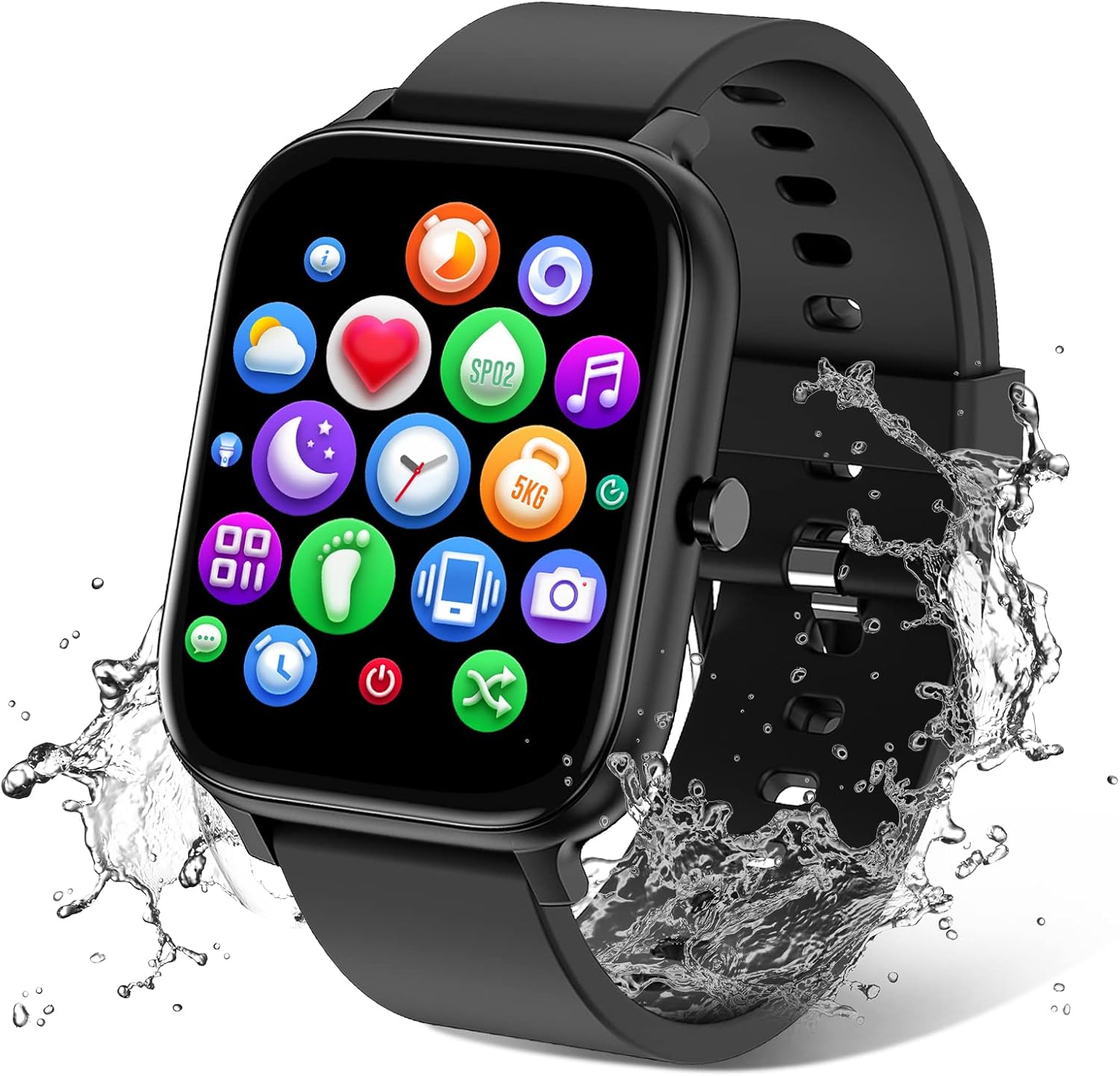
T500, X7, T55, Y68 and Series 7 are factory model codes, not brands, and FitPro is the free app many of them pair with. Decode the code, then match it to a current watch with the same screen, calling and charger.
Sales checked September 2026Codes like T500, T55 and Series 7 mark square Apple Watch look-alikes, usually with Bluetooth calling. The Y68, also sold as the D20, is a small no-call fitness watch that charges through a USB plug in its strap and pairs with FitPro. X7 and Y13 cover different watches from different makers, so check the specs.
A FitPro smart watch T500 and a Y68 FitPro smart watch have little in common beyond the app they may pair with. FitPro is a free phone app, and the letters and numbers are factory model codes that many brands put on the same design. Knowing your code tells you the screen, the charger and which straps fit.
FitPro smart watch models change brand names from box to box; the code tends to stay. Look for it in four places:
With the code in hand, the rest of the routine gets easier. The right app pairs first time, the right cable charges without fiddling and the right strap clicks straight in.
The FitPro app setup covers the download and QR-code pairing once you know what you own.
| Model code | App | Strap | Charger |
|---|---|---|---|
| IDW13, IDW16, IDW19, IDW25, IDW26, IDW28 | VeryFit | 22mm | 2-pin, 2.84mm |
| ID208 Plus | VeryFit | 22mm | 2-pin, 2.84mm |
| ID205L, ID205S, ID205U | VeryFitPro | 19mm | 2-pin, 2.84mm |
| TK29, TG38, TG09L, TG08, TG02 | Da Fit | 22mm | 2-pin, check the spacing |
| T50, T60, T70, T80 | GloryFit | 22mm | 2-pin, 4mm |
| K51, K62, K77, G62, P95 | FitCloudPro | 22mm | 2-pin, 2.8mm |
| Y68, also D20 | FitPro | Strap with a built-in plug | USB plug under the strap |
| T500, T55, Series 7, X7, Y13 | Varies by maker | Varies | Check the back of the watch |
Apps, straps and chargers as the watch, strap and cable makers state them, September 2026. The Y68 row follows the watch's widely published spec. Shared codes can hide different hardware, so treat each row as a starting point.
T500, T55 and Series 7 are the codes behind square watches styled after the Apple Watch: a rounded rectangular case, a side button or crown and, on most, a built-in mic and speaker for taking calls. None of them is an Apple product. A real Series 7 runs Apple's watchOS and pairs only with an iPhone; a Series 7 that pairs with FitPro or Da Fit is a look-alike with its own firmware.
That square calling shape is still the most popular one, and today's versions have caught up on screen size. Current watches that fit the same role:
Weight and fit decide whether a square case stays on overnight for sleep tracking. The QISUKUS 1.83-inch calling watch weighs 38g and its strap adjusts from 5.9 to 8.5 inches, a handy benchmark when comparing look-alikes.
Before swapping an old T500 or a FitPro smart watch T55 for one of these, check two habits. Calls still run through your phone, so keep it within Bluetooth range on a walk. Text replies are missing on most of them, so the watch shows messages but does not answer them.
TRAUSI TG08 Calling Smart Watch |
TORJALPH TJ37 Smart Watch |
IDW25 Alexa Smart Watch |
jevesen Round Calling Smart Watch |
MOSOKI 2.01-inch Smart Watch |
ZURURU Y39 Fitness Tracker | |
| Type | Smart watch | Smart watch | Smart watch | Smart watch | Smart watch | Fitness tracker |
| Screen | 1.83" | 1.69" | 1.83" | 1.27" | 2.01" | 0.96" |
| Shape | Square | Square | Square | Round | Square | Square |
| Bluetooth calls | Yes | — | Yes | Yes | Yes | — |
| Water | IP67 | IP68 | IP68 | IP68 | IP67 | IP68 |
| Battery | Up to 7 days | Up to 7 days | — | — | Up to 7 days | — |
| Tracks | Heart rate · sleep | Heart rate · SpO2 · sleep | Heart rate · sleep | Heart rate · SpO2 · sleep | Heart rate · sleep | Heart rate · sleep |
| App | — | Da Fit | VeryFit | VeryFit | FitPro or H Band | H Band |
| Strap it on | Strap it on | Strap it on | Strap it on | Strap it on | Strap it on |
The Y68, also sold as the D20, is the classic starter: a small square fitness watch with a screen of about 1.3 inches, no speaker for calls and a USB plug hidden under one half of the strap. It pairs with the FitPro app for steps, heart rate, sleep and phone alerts.
That plug is its best trick and its weak spot. Charging needs no cable, but the plug's contacts sit in the open whenever the strap is off, so sweat and lint build up. A dry cloth and a cotton bud keep it charging.
Today's slim bands cover the same daily routine with better water ratings:
Pick the one whose app suits your phone and whose screen you can read without glasses on a morning walk. None of the three takes calls from the wrist.
A 2.01-inch square watch whose notes name FitPro for its 200+ watch faces, with calls through a built-in speaker and an IP67 rating. Its setup notes also mention H Band, so follow the app named in the manual on day one.
Strap it onSome names on the box tell you almost nothing. X7 and Y13 have been printed on several unrelated watches from different makers, with different screens, chargers and apps. Hapipola is a brand name rather than a model code, so it says who made the box, not what sits inside.
When the code is that loose, match the watch by five checks instead:
Those five answers point to a current match in a minute. An X7 FitPro smart watch with a 1.9-inch screen and calls lines up with the PJYUBVOR 1.9-inch calling watch. A round-faced FitPro smart watch Y13 lines up with the jevesen round calling watch or the DIVOAZBVO TG02.
Model codes cluster around apps, and the strap and cable makers confirm the pattern. Once you know the family, pairing, watch faces and firmware updates all come from one place.
If an app cannot find your watch, the likeliest cause is the wrong app for that family, not a faulty watch. Uninstall it, scan the QR code from the manual and pair again through the app itself, never through the phone's Bluetooth menu.
Keep that app installed even if you mostly glance at the watch. Watch faces, settings and firmware updates all arrive through it, and the history it stores is what turns a week of steps into a trend.
The step-by-step pairing for iPhone and Android lives in connecting a FitPro smart watch. Once paired, set one goal for the week, steps or sleep, and let the app's daily chart keep you honest.
It depends on the maker, because T500 is a factory code used by several brands. The QR code in the manual links to the right app; FitPro is one of several possibilities.
No. Apple's Series 7 runs watchOS and pairs only with an iPhone. A Series 7 that pairs with FitPro or Da Fit is a look-alike with its own firmware and app.
Pull one half of the strap off the case to expose the built-in USB plug, then push it into a USB port or wall adapter. If it will not charge, clean the plug's contacts and try again.
No. It has no speaker or microphone, so it shows call alerts only. For calls from the wrist, a square calling watch such as the TRAUSI TG08 fits.
Hapipola is a brand name on the box, not a model code. Check the screen size, calling, charger and the app named in the manual to find what the watch is and which current model matches it.